
Best low profile cooler
Contents
- 1 🧠 What Is a Low-Profile CPU Cooler?
- 2 🛠️ Things to Think About
- 3 🏆 Best Compact & Efficient Low-Profile Coolers
- 4 💡 Best Budget & Value Picks
- 5 🌀 Alternative & Special Designs
- 6 📌 What to Consider Before You Buy
- 7 📊 Typical Performance & Expectations
- 8 🧾 Tips for Installation
- 9 🏁 Final Recommendation
- 10 FAQs
🧠 What Is a Low-Profile CPU Cooler?
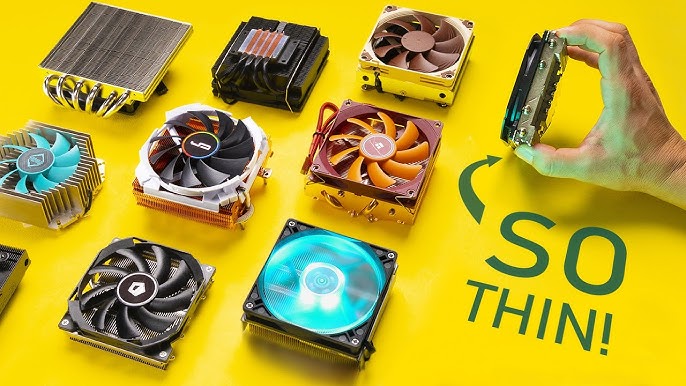
Low-profile coolers are short, compact CPU air coolers designed to fit in slim, small form factor (SFF) cases or other builds with tight clearance (HTPCs, small desktops). They usually stand around 30–60 mm in height and trade a bit of performance for space savings. They’re ideal for CPUs with moderate power draw but can vary widely in cooling capability depending on design.
🛠️ Things to Think About
Before picking a low-profile cooler, consider:
🔹 Maximum Height Clearance — Check your case specs (e.g., 50 mm, 65 mm, 80 mm max).
🔹 Socket Compatibility — Ensure support for your Intel or AMD CPU socket.
🔹 TDP Rating — Higher TDP means better capacity to cool hotter CPUs.
🔹 RAM / PCIe Clearance — Some coolers can block tall RAM or nearby slots.
🔹 Noise Level — Smaller fans can be louder — check decibel (dB) ratings.
🏆 Best Compact & Efficient Low-Profile Coolers
Noctua NH‑L9i chromax.black – Best Overall Low-Profile CPU Cooler
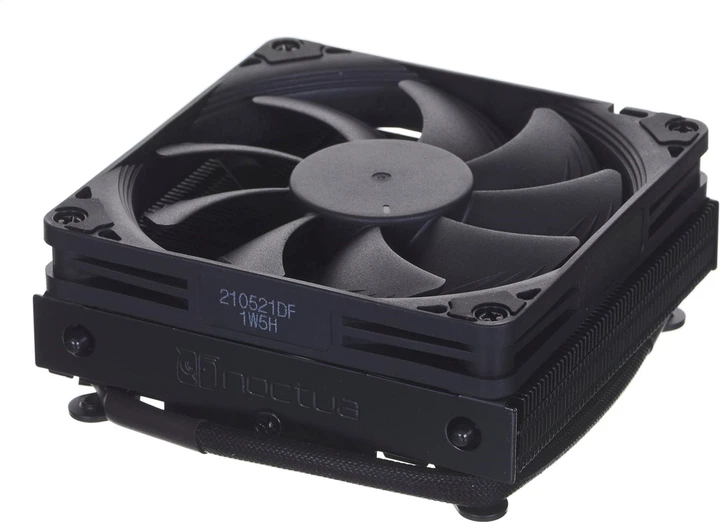
- ⭐ Excellent balance of cooling and noise-control.
- Ultra-low height fits most SFF & ITX cases.
- Quiet NF-A9x14 fan and premium build quality make it a go-to choice for compact gaming or workstation builds.
- A popular top pick for small systems.
Noctua NH‑L9x65 – Premium Low-Profile Option
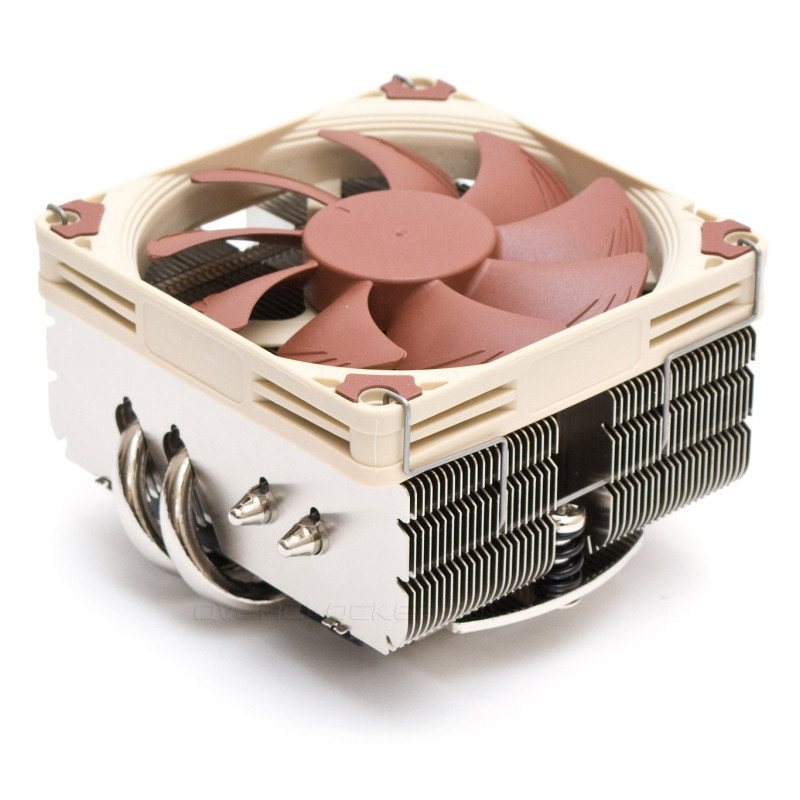
- Slightly taller than the NH-L9i but offers better thermal headroom thanks to a taller heatsink.
- Great if you have ~65 mm clearance and want stronger cooling without noise penalty.
- Commonly recommended for AM4/AM5 or Intel builds requiring more cooling capacity.
CoolerMaster MasterAir G200P – Strong Performer with Good Value
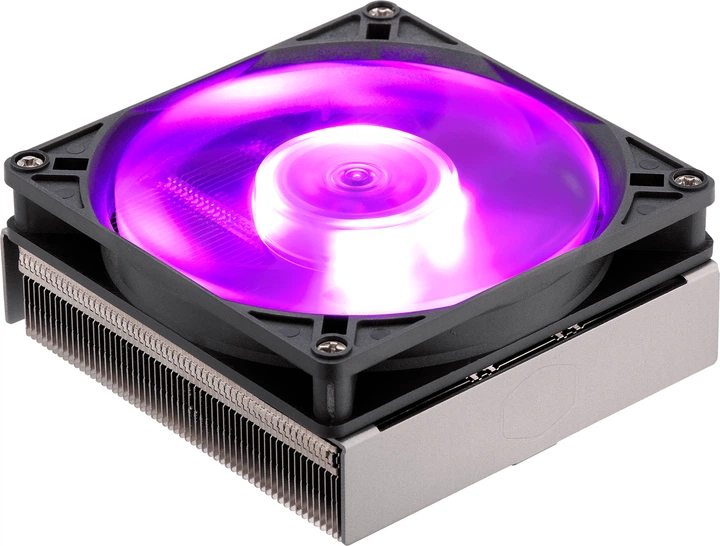
- Not the absolute lowest profile, but well-reviewed and reliable in compact builds.
- Solid airflow performance with a bigger fan helps cooling efficiency.
- Good cost/performance for modest CPUs.
💡 Best Budget & Value Picks
be quiet! Pure Rock Slim 2 – Quiet & Affordable
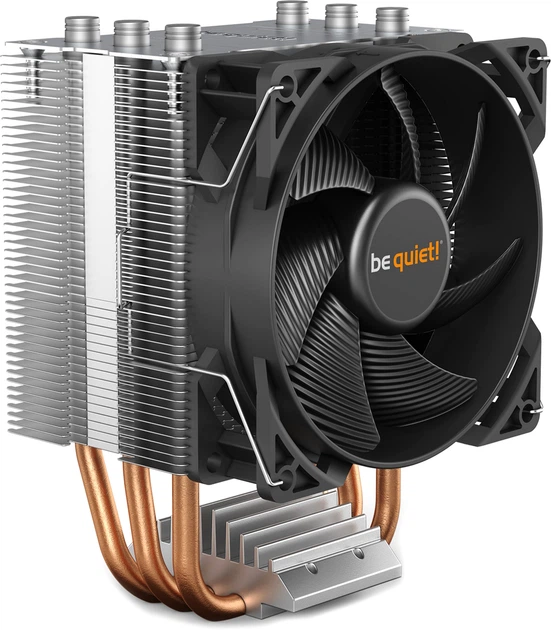
- A great value-oriented low-profile cooler for HTPCs or everyday small PC builds.
- Known for silent operation with PWM fan speed control.
- Ideal if you don’t need premium cooling but want reliable performance.
Zalman CNPS80G Rev.3 – Budget Compact Choice
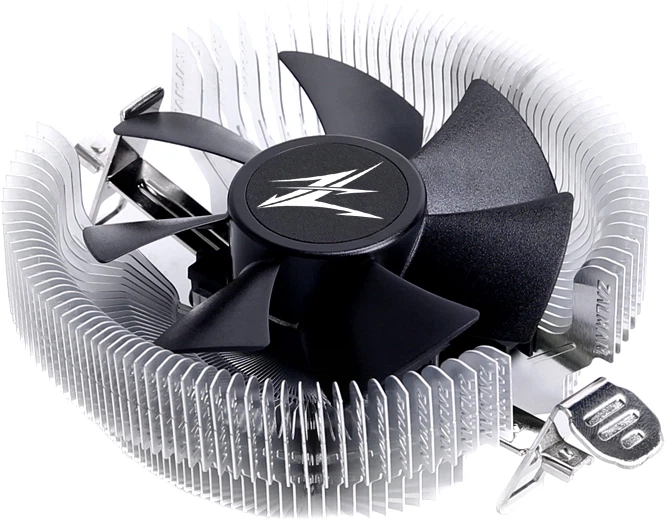
- Simple, cheap, and effective solution for basic builds where space is primary concern.
- Good for very small systems or budget HTPCs.
Dissipatore CPU 32 mm Low Profile – Ultra-Slim Option (~32 mm)
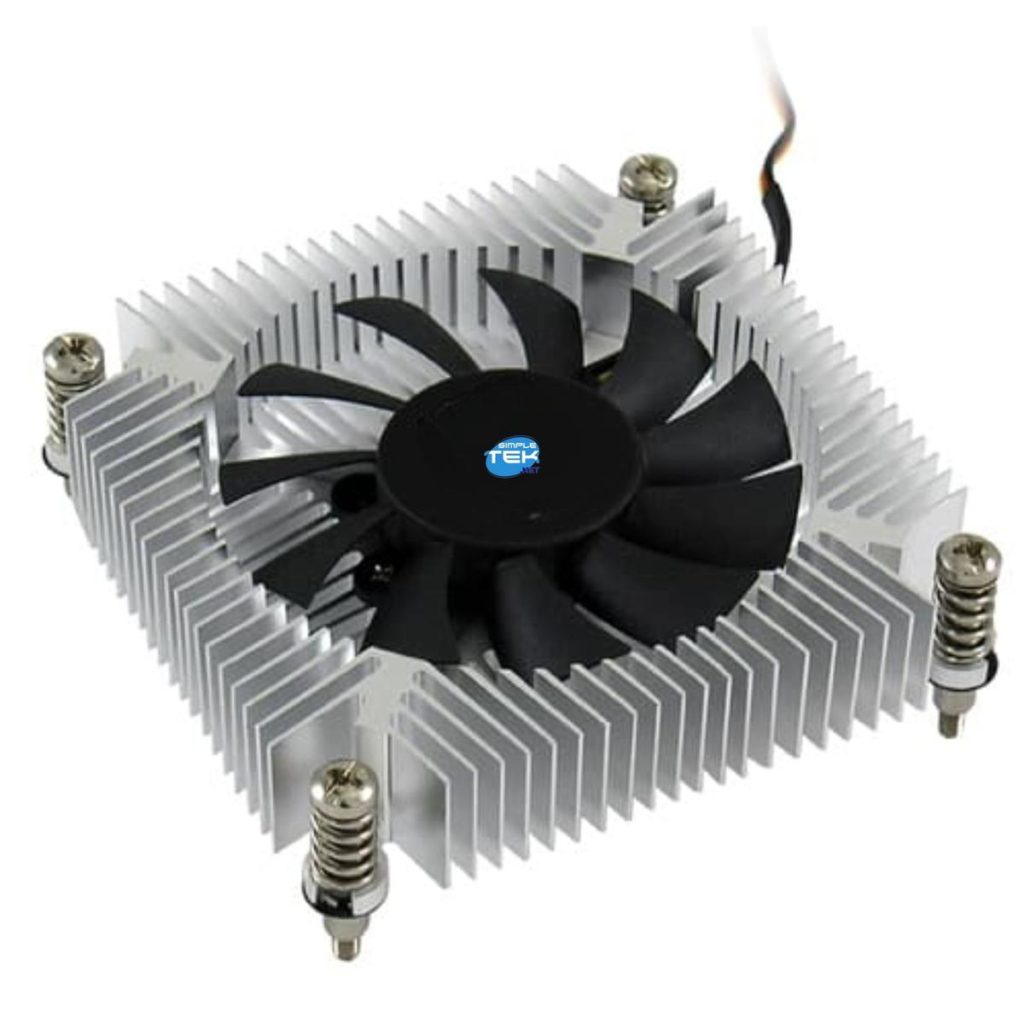
- One of the lowest height coolers available — perfect for ultra-slim cases or industrial mini PCs.
- Great for low-power CPUs where heat output is low.
🌀 Alternative & Special Designs
Be quiet! Shadow Rock TOPFLOW SR1 – Top-Down Flow Design
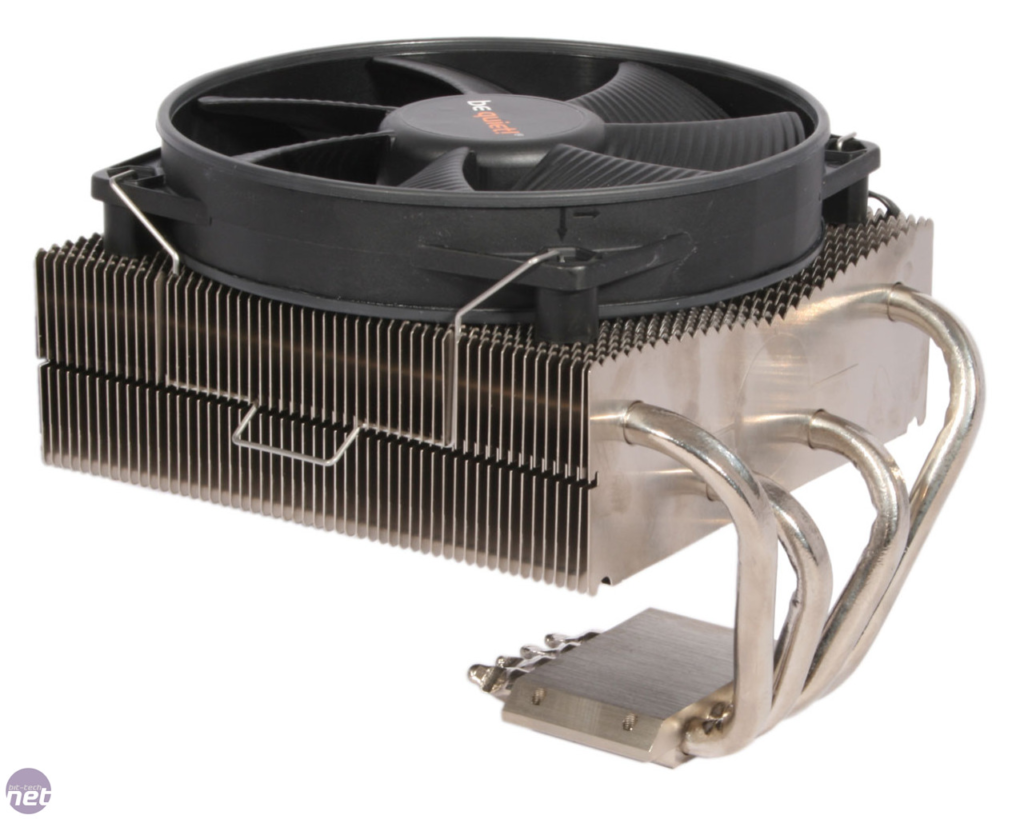
- Cooler airflow pushes downward, helping cool VRM/chipset and CPU — useful in cramped layouts.
- A bit taller than some ultra-low models but still fits many SFF chassis.
ZALMAN CNPS16X Black – Balanced Mid-Range Specification
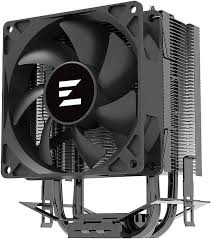
- Slightly “mid-profile” but still compact and well-rated.
- Suits builds where you want more heatpipe capacity while staying under common low-profile heights (50–60 mm range).
📌 What to Consider Before You Buy
✔ Height clearance: Measure your case’s maximum cooler height — some builds allow ~37 mm; others ~65 mm or more.
✔ Socket compatibility: Ensure support for Intel (LGA1700/LGA1200/etc.) or AMD (AM5/AM4).
✔ TDP & workload: Low-profile coolers work great on moderate CPUs (65–95 W), but high-end or overclocked CPUs may run hot under load with compact air coolers.
✔ Fan noise: Smaller fans often spin faster and can be louder; premium brands like Noctua balance airflow and acoustics better.
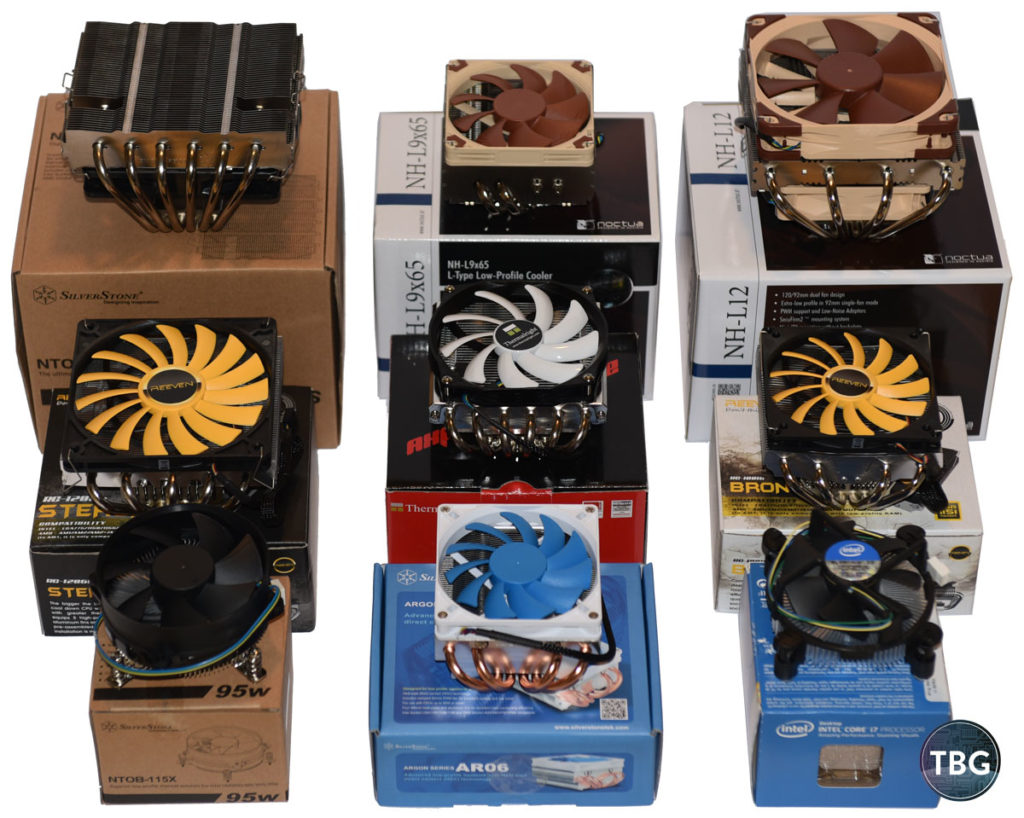
📊 Typical Performance & Expectations
- Low-profile coolers generally handle mid-range CPUs well (65–95 W TDP).
- High-end CPUs or sustained heavy workloads may push them toward thermal limits — in that case, full-size coolers or AIO liquid coolers are better.
- Balanced designs like Noctua’s or Thermalright’s top performers can rival bigger coolers in restricted builds.
🧾 Tips for Installation
👉 Double-check motherboard socket brackets — AMD vs Intel, AM4/AM5, LGA1700 etc.
👉 Watch clearance for RAM tall heatspreaders — some coolers sit over the RAM slots.
👉 Ensure your case airflow helps circulate heat out of the small enclosure.
🏁 Final Recommendation
- For quiet, high performance in small builds → Noctua low-profile coolers (NH-L9x65 / NH-L9i).
- For budget-oriented compact cooling → be quiet! Pure Rock Slim 2 or Shadow Rock variants.
- For very tight spaces with minimal height clearance → the ultra-low profile 32 mm option.
READ ALSO: Why is my hp laptop so slow?
FAQs
What is considered a low-profile CPU cooler?
A cooler is typically considered low-profile if it’s under 70mm tall.
Ultra-low profile: 30–40mm
Compact low profile: 40–55mm
Mid low profile: 55–70mm
These are designed for Mini-ITX, HTPC, slim desktop, or SFF cases.
Can a low-profile cooler handle gaming CPUs?
Yes — but with limits.
Most low-profile coolers handle:
✅ 65W CPUs (Ryzen 5, Core i5 non-K) very well
⚠ 95W CPUs under moderate loads
❌ High-end unlocked CPUs (i7/i9 K-series, Ryzen 9) under heavy load may thermal throttle
If you’re gaming on a 65W CPU, a quality low-profile cooler is usually fine.
Are low-profile coolers louder?
Sometimes.
Because they use:
Smaller fans
Higher RPM to move air
Budget models can be louder under load. Premium brands (like Noctua or be quiet!) focus on low-noise fan design.
Are they better than stock coolers?
Often yes.
Advantages over stock coolers:
Better build quality
Lower noise
Improved thermals
Better mounting pressure
However, some AMD stock coolers (like Wraith models) are surprisingly decent.
Do low-profile coolers block RAM?
Some do.
Top-down coolers may:
Overhang RAM slots
Limit tall RGB RAM compatibility
Always check:
RAM height
Motherboard layout
Cooler clearance diagram