
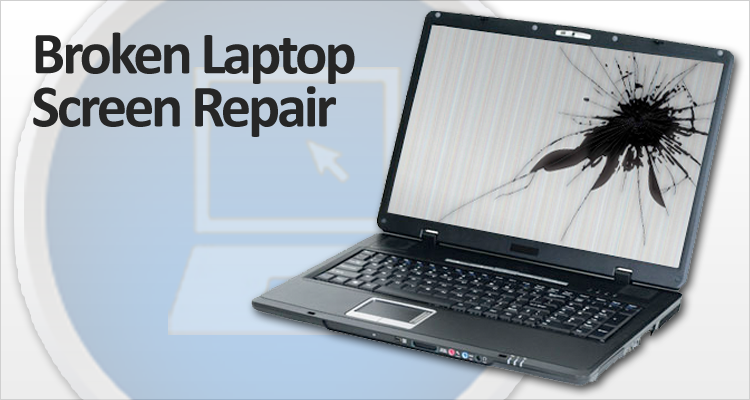
How much would it cost to replace a laptop screen?
Contents
Typical Cost to Replace a Laptop Screen
- Most professional repairs in the U.S. cost about US $100–$300 for standard laptops with basic LCD/LED screens.
- For mid-range laptops (better panels, IPS, maybe larger sizes), expect ~ US $200–$400.
- Premium / high-end laptops (touchscreens, high-res, gaming / ultrabooks / expensive models) tend to cost ~ US $300–$800+, especially if the panel is hard to source.
- If you buy a replacement screen and do it yourself (DIY), parts alone often run US $35–$150 depending on screen type and compatibility.
More concretely:
- Basic 15.6″ non-touch LCD/LED — one of the cheaper, common types — tends toward the lower end of the scale.
- Touch screens, high-resolution panels, or OLED displays increase cost significantly.
- Screen replacement tends to still be much cheaper than buying a brand-new laptop (especially if the rest of the device works fine).
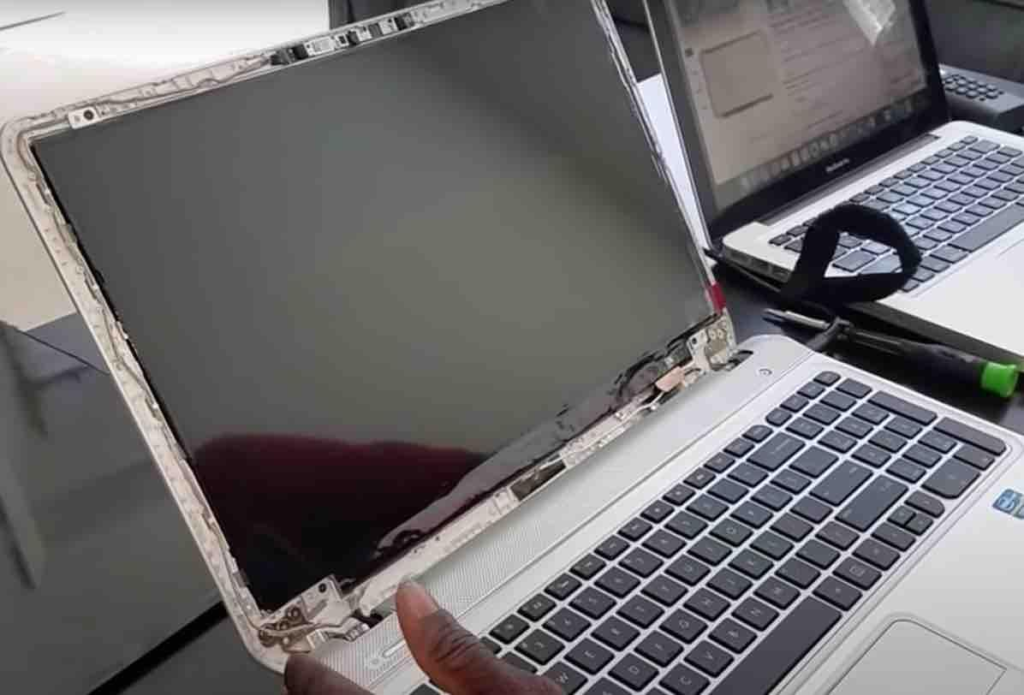
🔧 What Affects the Price: Key Variables
The total cost depends on several factors:
- Screen technology — Simple LCD/LED is cheapest; IPS, OLED, touch-enabled or high-res displays cost more.
- Laptop brand & model — Popular brands/models with common screen specs are easier (and cheaper) to source; rare or premium models are costlier.
- Extent/type of damage — A full broken panel needs full replacement; minor issues (e.g. flickering, cable/connect problems) might cost less or sometimes avoid full-screen replacement.
- Labour/Repair shop rates — Labor costs depend on region, shop, and how complex the replacement is (e.g. removing glued-in touchscreens is harder).
- DIY vs Professional — DIY saves on labor but requires you to get exact matching screen part + have tools + risk damage or mistakes which can be costly.

🛠️ Quick DIY Replacement — General Steps (and Risks)
If you want to do it yourself — here’s roughly how it works (based on manufacturer-guides).
- Identify the exact model number of your laptop and current screen (size, resolution, panel type).
- Order a compatible replacement screen (check connector type, resolution, panel specs).
- Power off and unplug laptop; remove battery if possible.
- Carefully remove the bezel (frame around screen) — usually plastic clips or screws.
- Unscrew old screen, disconnect video/data cables gently (don’t pull on wires).
- Connect new screen exactly, secure screws, reattach bezel.
- Power on and test — check for proper display, no flicker, correct resolution.

Pros of DIY
- Much cheaper, usually only costs parts; no waiting for shop.

Cons/risks
- Mistakes can damage connectors, panel, or other components; you lose warranty; may have trouble sourcing the right screen; installation may be tricky in some models.
When It Makes Sense to Repair vs When to Replace Laptop
Repair (replace screen) is worth it when:
- Your laptop is relatively new and otherwise works fine.
- The cost of repair is significantly lower than a new laptop (often true for standard laptops).
- You don’t need the latest performance — just display working.
Replacing the laptop entirely may make more sense when:
- The laptop is old or has multiple failing components.
- Screen type is very expensive (touch, OLED, 4K) and cost to repair is near the cost of a new laptop.
- You’re already considering an upgrade for performance, battery, etc.
My Recommendation for You (If You Were in the US)
If you were in the U.S. and needed to replace a laptop screen, I’d do something like this:
- If the laptop is not premium and just has a standard LCD — go to a local independent repair shop and expect to pay ~ $120–$250.
- For mid-range or higher-res laptops — shop around among local shops or small chains; expect ~ $200–$400.
- For premium devices (touchscreens, high-end, gaming, ultrabook, etc.) — consider whether the cost (which may go up to $600–$800+) is worth it vs. buying a new laptop.
- If you’re tech-savvy and confident you can get a perfectly compatible screen part — DIY replacement (parts ~$35–$150) can save you a lot, though you take the risk of damaging something or voiding warranty.
FAQs
What’s the average cost to replace a laptop screen?
For many standard laptops, a professional screen replacement (parts + labor) typically runs in the ballpark of US $150 – $400.
A more conservative “average” range often quoted is US $100 – $300 for many repairs.
If you buy a replacement screen and install it yourself (DIY), just the part often costs about US $50 – $200 depending on screen type.
Why does the price vary so much? What affects the cost?
Main factors include:
Screen type & quality: Basic LCD panels are cheapest — more advanced panels (IPS, high-resolution, touchscreen, OLED) are more expensive.
Laptop brand and model complexity: Premium laptops or less common models often require harder-to-find panels, which increases cost.
Screen size and resolution: Larger screens or higher-resolution displays tend to cost more to replace.
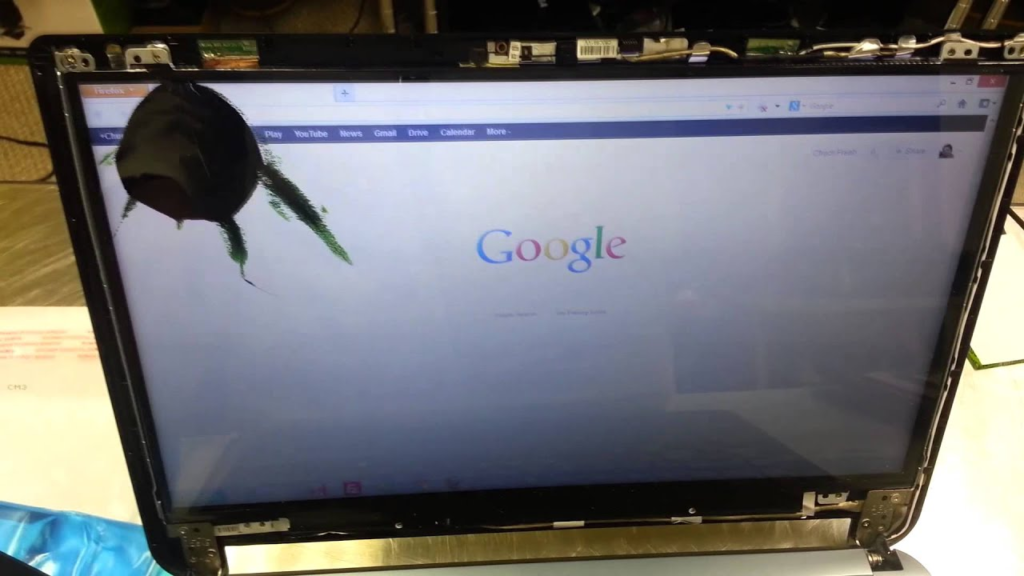
Extent and type of damage: If only the glass is cracked, maybe you need minimal work — but if backlight, digitizer (touch), hinges, or internal cables are damaged, cost goes up.
Labour / Service fees: Professional shops charge for labor — this can add significantly to total cost, depending on hourly rates and complexity of disassembly/assembly.
When does repair start to make less sense than buying a new laptop?
Repair may be unjustifiable when:
The cost of replacement screen + labor approaches a significant fraction of what a new laptop costs — especially if the laptop is old or has other issues.
The laptop uses a rare or premium screen (touchscreen, OLED, 4K) — replacement might be expensive or hard to source.
Other components (battery, keyboard, ports) are also problematic — investing heavily in one repair may not make sense for an aging machine. (Implicit from cost-versus-value reasoning)
READ ALSO: Laptop screen weird colors and lines: how to fix?